Cook without losing your place.
Cooking Steps turns any recipe into big, calm steps. Timers ring when things are done, the shopping list writes itself, and your whole cookbook follows you from phone to laptop. Free, no ads, no fuss.
Works on iPhone, Android and any browser. Nothing to download from a store.
Convinced you can’t cook? This page disagrees ›
- 1Slash the drumsticks so the spice gets in.
- 2Coat with the lemon juice and salt.
- TBSP2 lemon juice
- TSP1 salt
Go on, tap it. The arrows, the dots and the timer really work.
Food first. Obviously.
Real recipes living in the app right now, steps, timers, shopping list and all. One of them started the whole thing.
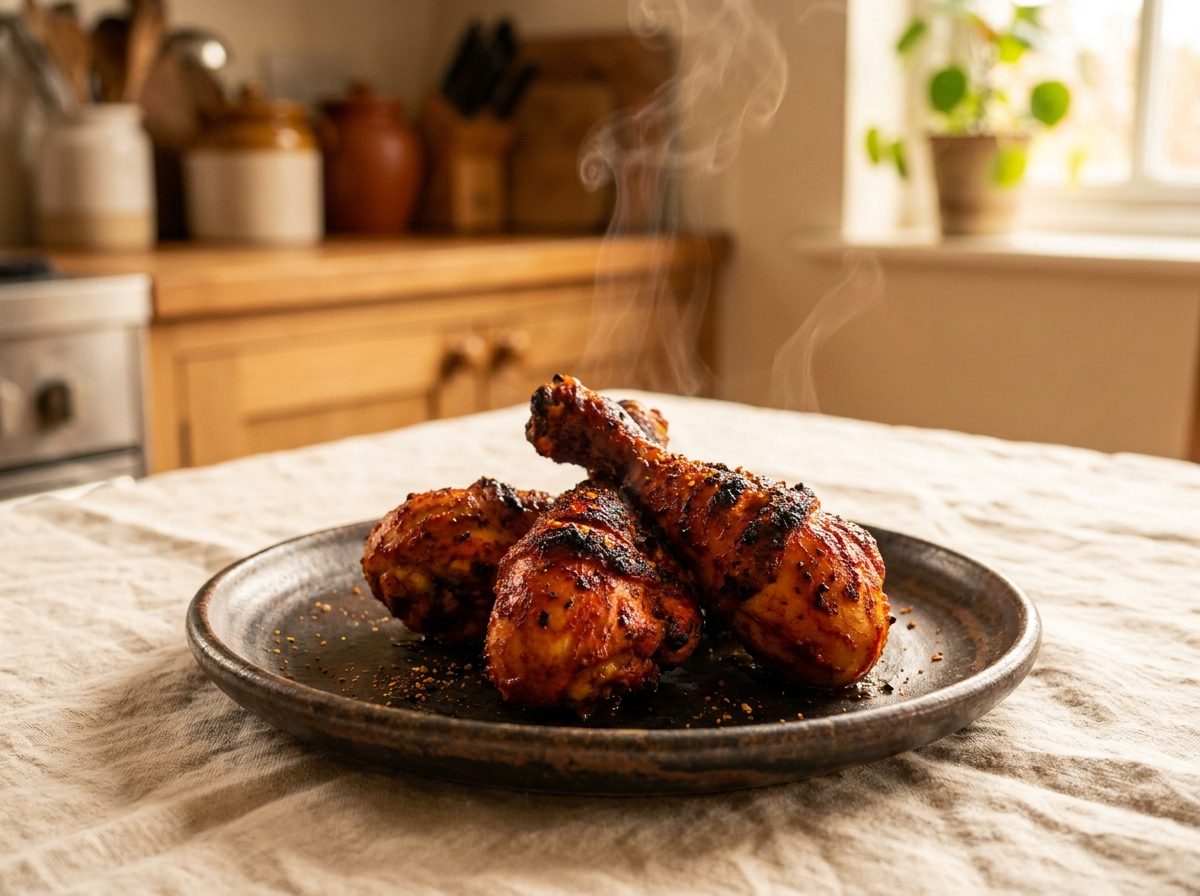 Tandoori Chicken (Air Fryer)The one that started it all. Cook it step by step ›
 Chicken CurryIn the app ›
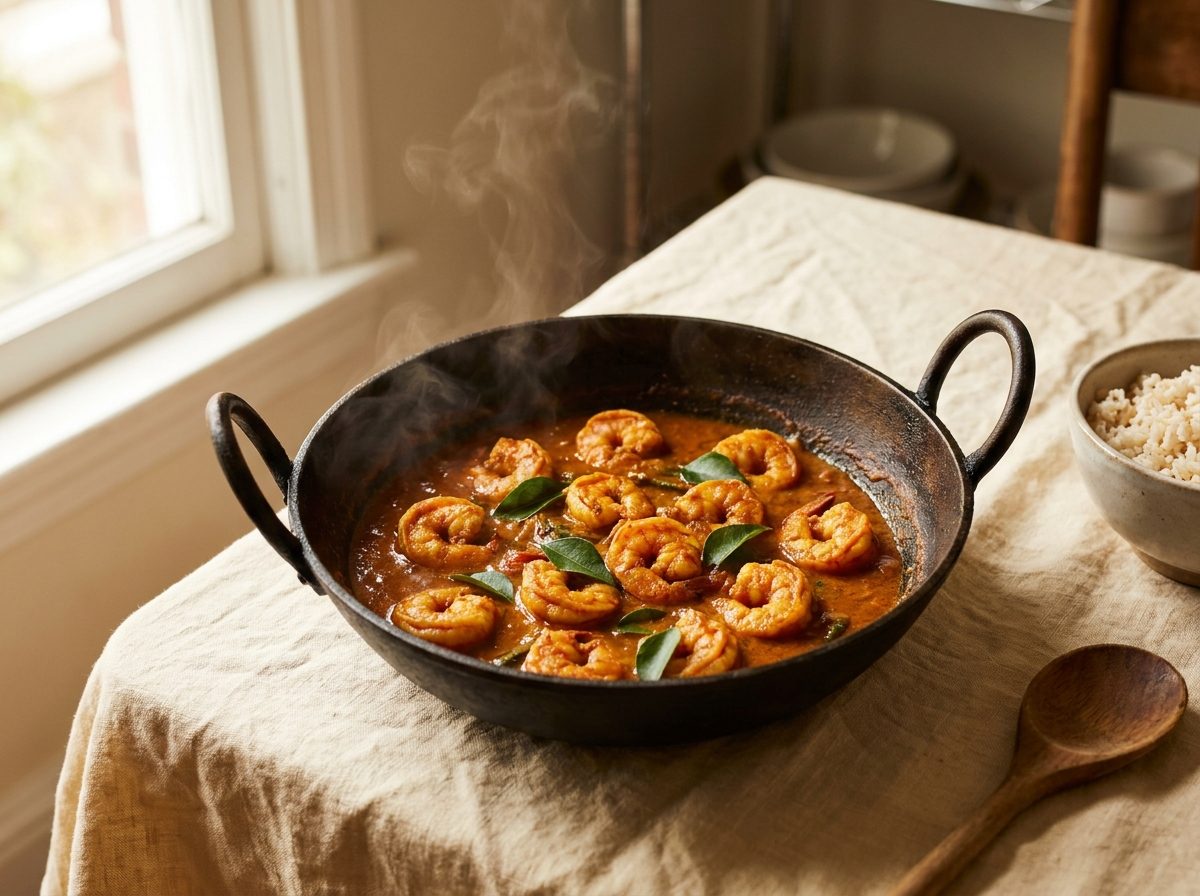 Prawn CurryIn the app ›
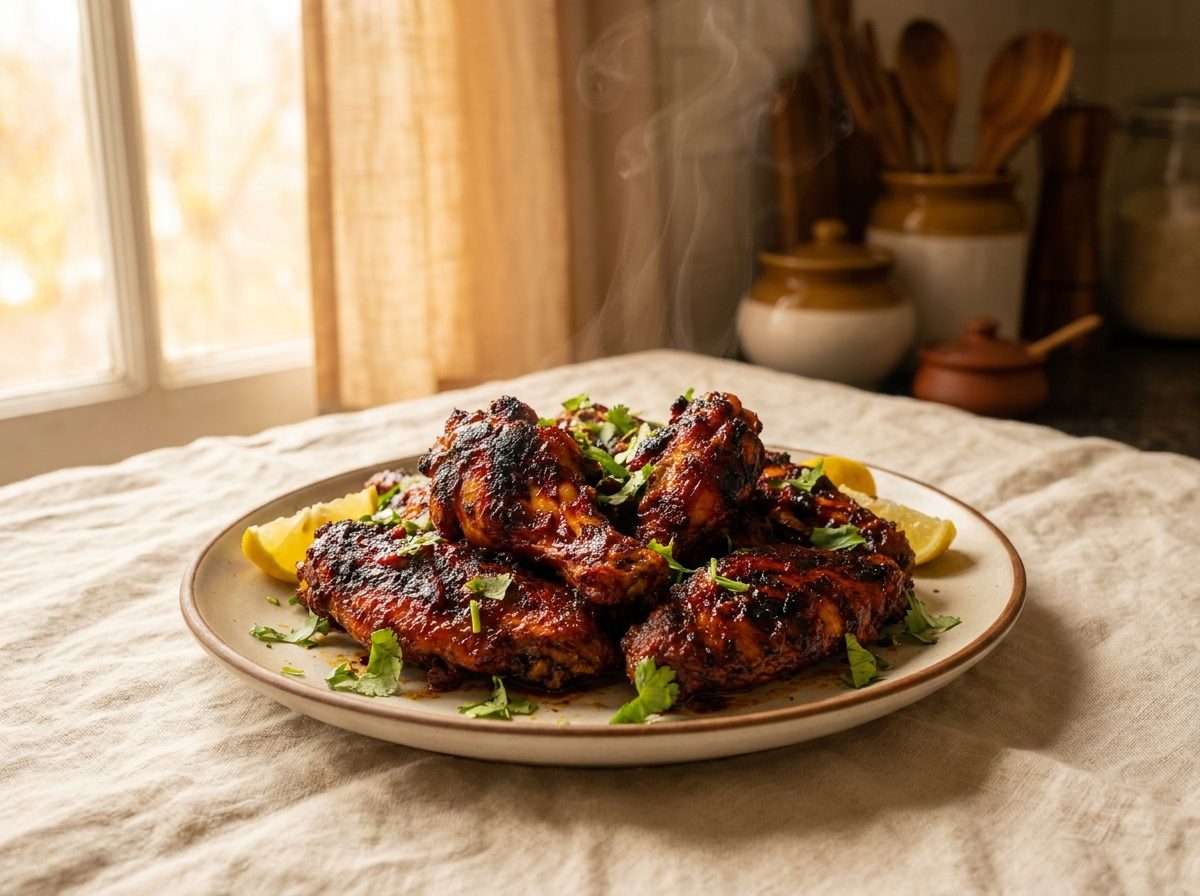 Chicken Wings (Indian Style)In the app ›
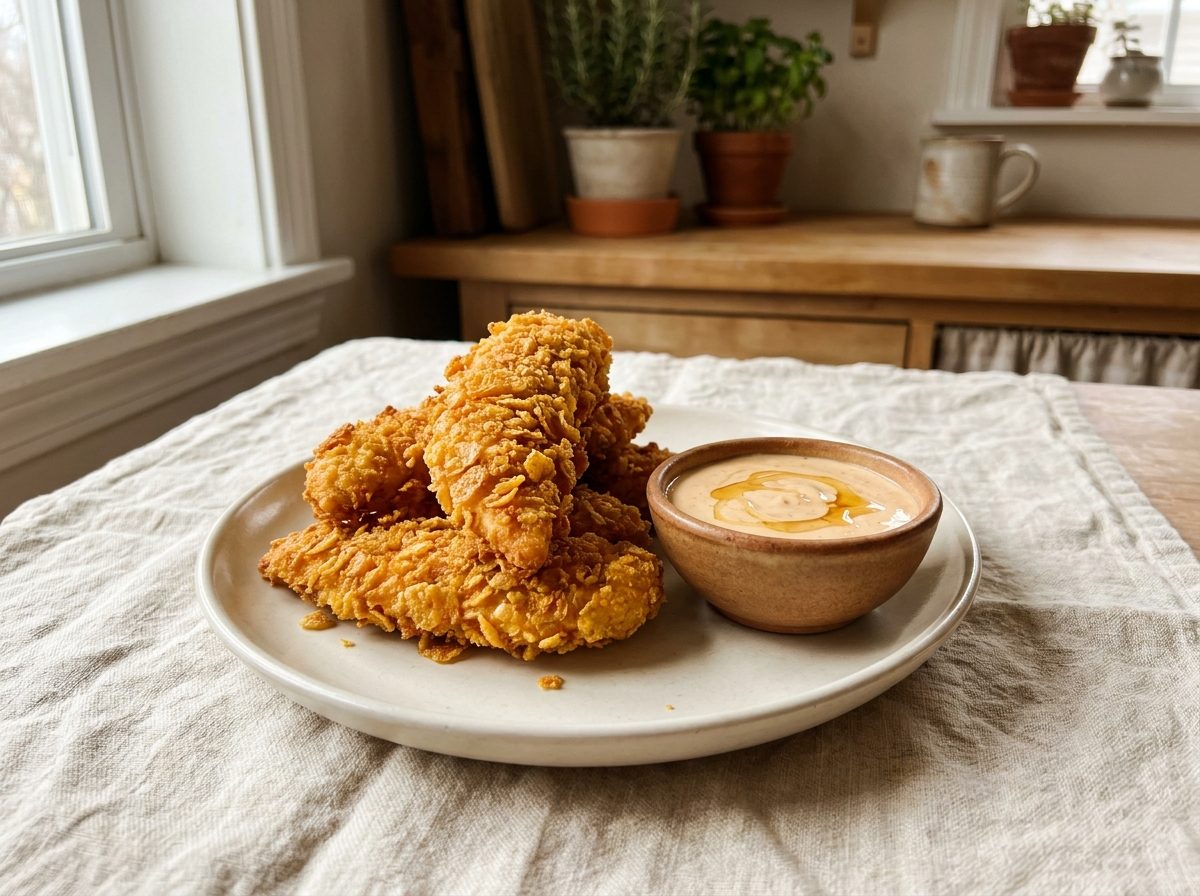 Chipotle Honey TendersIn the app ›
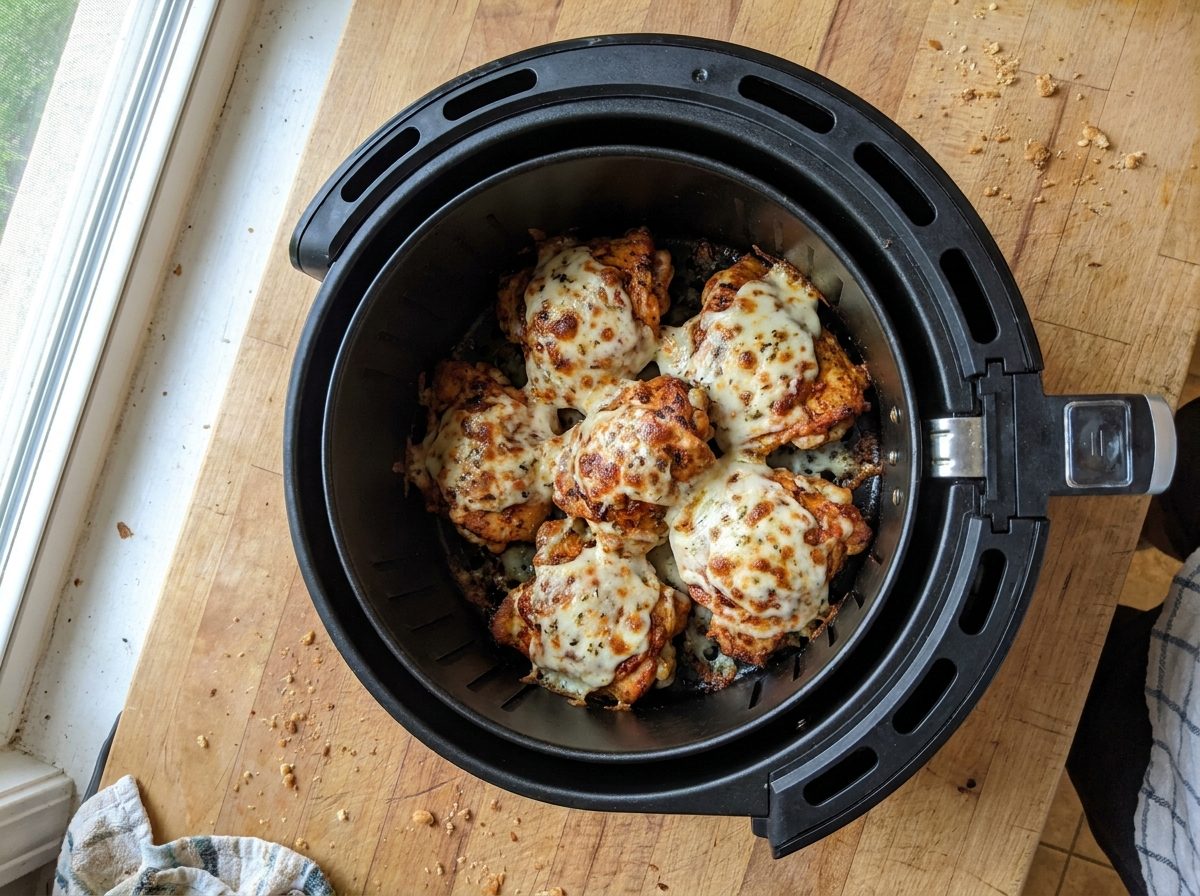 Cheesy Honey TandooriIn the app ›
 Air Fryer French FriesIn the app ›
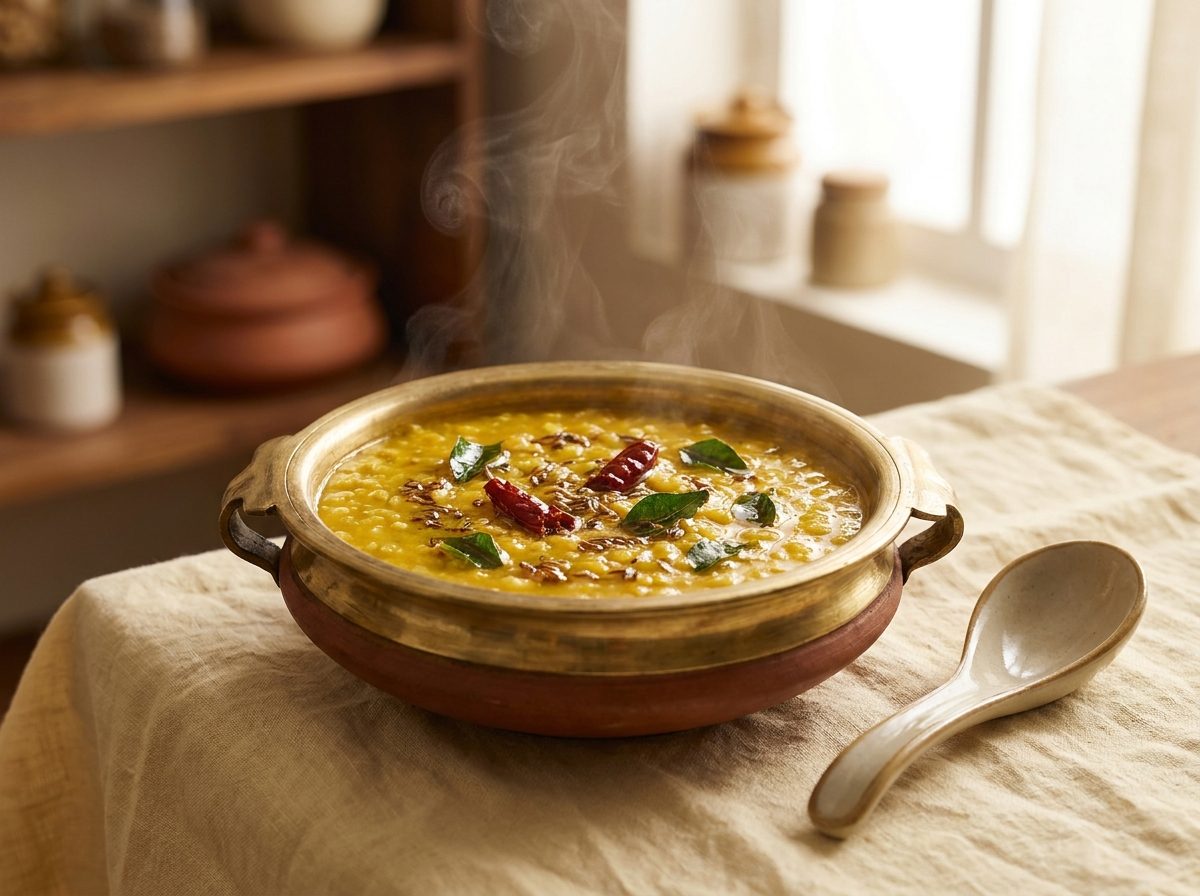 Dal Fry (Dal Tadka)In the app ›
 Crunch Chocolate CakeIn the app ›
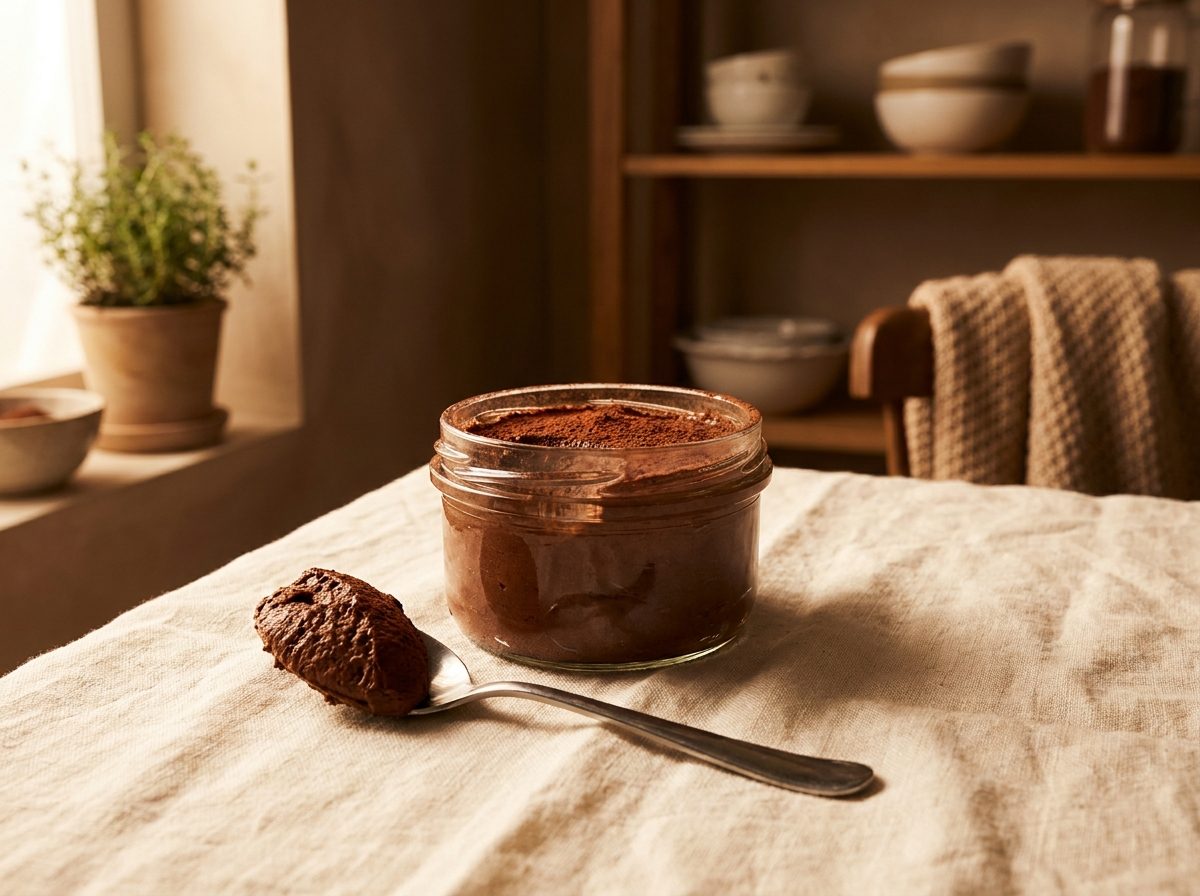 Protein Chocolate MousseIn the app ›
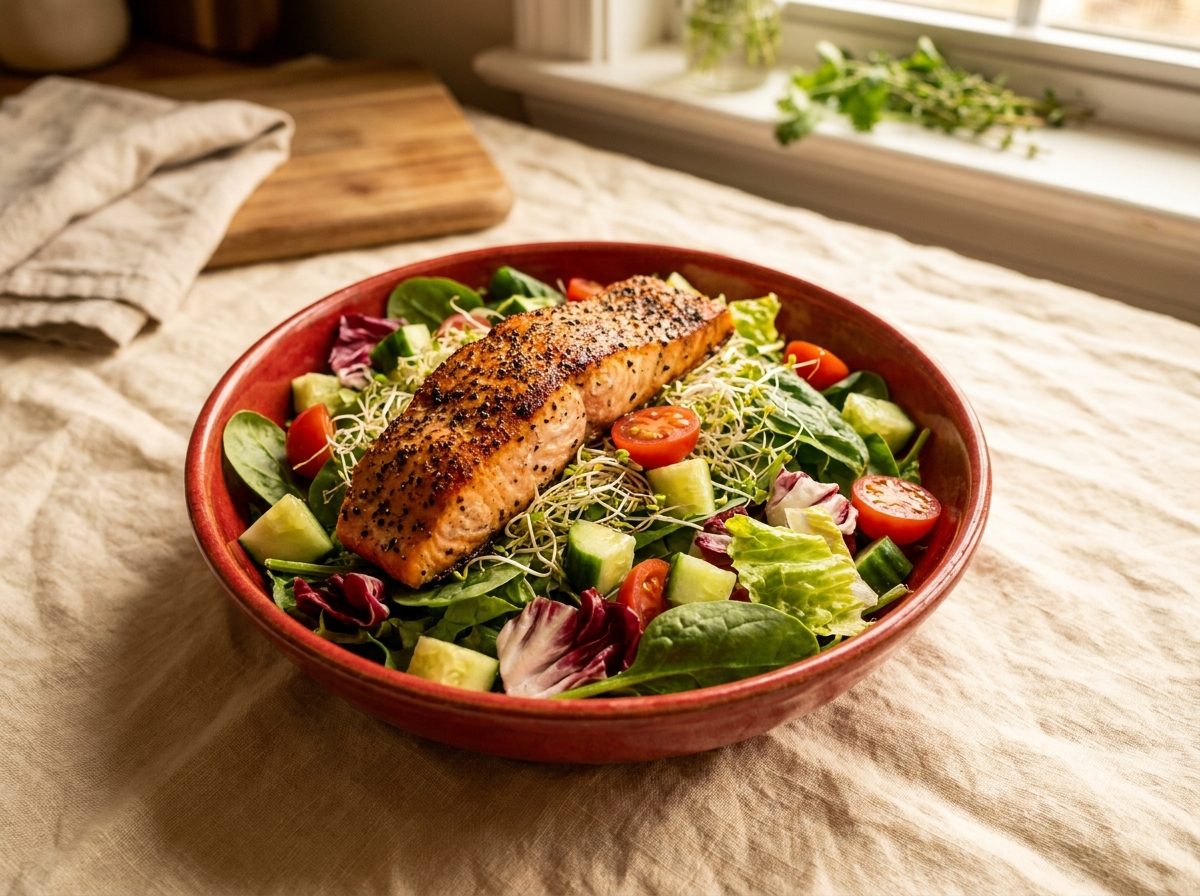 Salmon Salad BowlIn the app ›
Messy counters, wet hands, three pans going.
Cooking Steps was built at the stove, not at a desk. Everything about it assumes you are actually cooking.
One step at a time
Each step fills the screen in big type you can read from across the counter. Swipe when you are ready, never scroll.
Timers that tap you
Any step with a time gets a one-tap timer. It keeps counting while you browse other recipes, and rings when dinner says so.
A list that writes itself
Tap the ingredients you need and they merge into one tidy shopping list. Salt from two recipes becomes one line.
Serves 2 tonight, 10 on Sunday
Change the servings and every amount follows along, snapped to real kitchen fractions. Try it:
Reads how you measure
Pounds, ounces or kilos. Fahrenheit or Celsius. One toggle and every recipe speaks your language, and your mom's too.
A cookbook that follows you
Sign in once and your recipes sync to every device. Lose the phone, keep the cookbook. Works offline at the stove.
Any recipe becomes steps.
From a website, a group chat, a screenshot caption or the back of a packet. Paste the whole thing, mess and all.
Paste anything
Drop in the whole recipe text. The app finds the servings, times, ingredients and steps on its own.
Steps appear
One step per screen, with its own ingredients and a timer already attached. Neat as a well-kept recipe box.
Just cook
Prop the phone by the stove and swipe through. Your place is saved, your timers keep ringing, your hands stay floury.
The Explore shelf
Proud of a recipe? Publish it and it appears on the Explore shelf for everyone, with your name on it.
Found something that smells promising? One tap saves it into your own cookbook, credit included, ready to cook step by step.
Browse Explore in the appInstalls like an app, lives like a website.
Two taps and it sits on your home screen with its own icon, works offline, and quietly updates itself.
iPhone & iPad
- Open cookingsteps.app/app in Safari or Chrome
- Tap the Share button, at the bottom in Safari, in the address bar in Chrome
- Choose Add to Home Screen
Android
- Open cookingsteps.app/app in Chrome
- Tap Install app when it appears, or the ⋮ menu
- Choose Add to Home screen
No app store. Sign in with your email once and your cookbook follows you to every device, automatically.
From the blog
Recipes, kitchen tricks and little updates from a small warm app.
Recipes
Tandoori Chicken in the Air Fryer, Step by Step
The recipe that started the whole app, served the way the app serves it. Tap through the actual steps, timers and all.
🎉 NewsCooking Steps Is Live, and It Is Free
The interactive cookbook is out of the kitchen and on the open web. Here is what it does, what it costs (nothing), and how to put it on your phone.
⏲️ TipsWhat "Three Whistles" Actually Means
Indian recipes count whistles the way other recipes count minutes. Here is how to read them, and how to translate whistles for an Instant Pot.